

Website Settings
Click Settings
If you click Settings it takes you to a screen where you can change a whole host of items:
- Privacy Policy (GDPR)
- Header
- Colours
- Theme Style
- Fonts & Text Size
- Themes
- Favicon
- Animations
- Google Analytics Tracking Code
- Google Tag Manager
- Integration Code / Scripts
- Facebook Pixel
- Email Capture Database
- Additional CSS
- Reset to previous publiched version

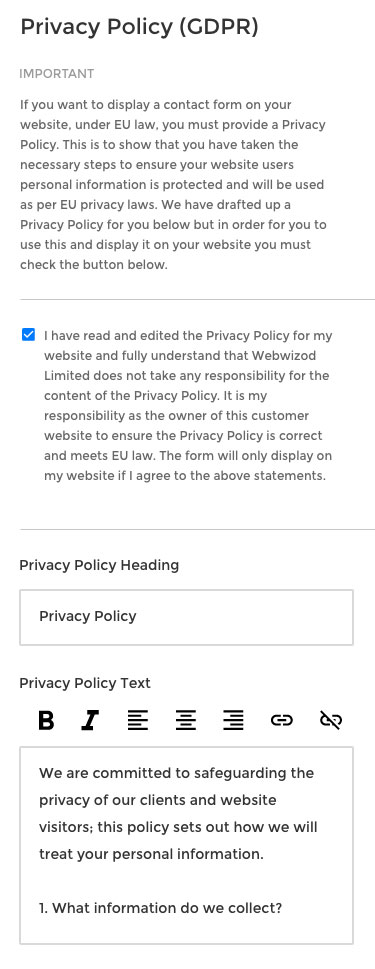
Privacy Policy
This area is where you edit the Privacy Policy which is linked to all forms on the website as a simple checkbox.
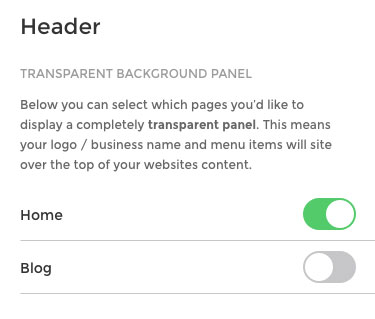
Header
Here you can select which pages you’d like to display a completely transparent panel. This means your logo / business name and menu items will sit over the top of your websites content.
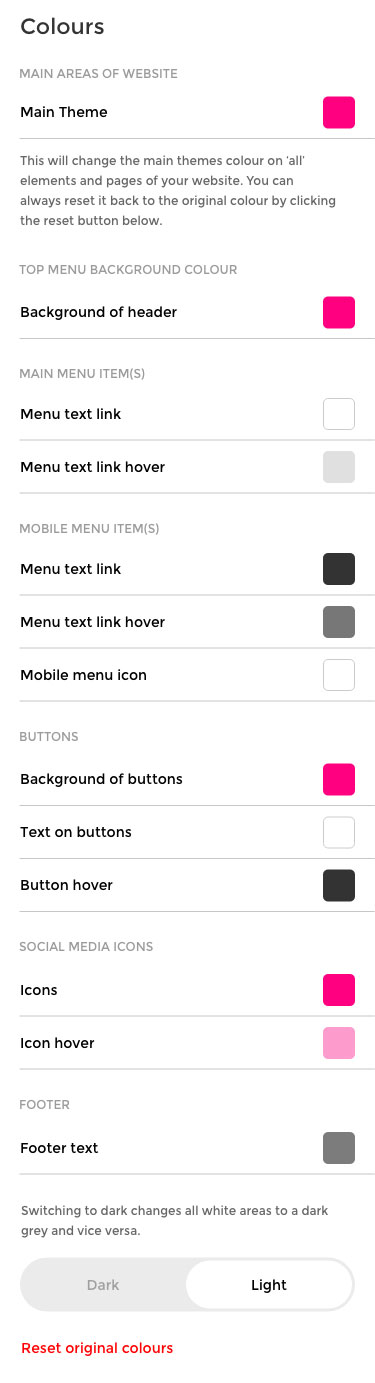
Colours
You can change the current themes colours, as well as many other things such as navigation menu items, hovers, menu background, mobile menu items, buttons, items in the footer and social media icons.
You can do a neat global switch which changes all white areas to a dark grey or vice versa.
You can also reset everything back to the original themes colours at the click of a button.
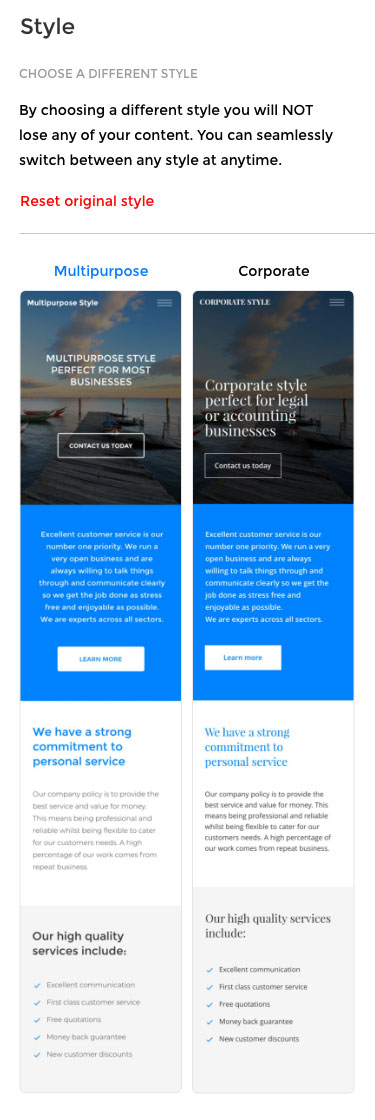
Theme Style
You can change your themes style. At the click of a button the theme can be changed to:
- Multipurpose
- Corporate
- Fun
- Minimal
- Bold
- Sophisticated
This is an excellent tool as it takes away any design skill needed and the user can quickly select exactly what they require for their business.
Fonts & Text
You can change the fonts throughout your website. There is a list of Google Fonts which can be searched through.
You can change the text size on desktop, tablet and mobile devices.
It’s easy to quickly change the fonts on the main navigation, headings and general body text. This gives the user complete flexibility at the tap of a button. You can also reset all the original fonts from the initially selected theme.

Themes
Change the theme of your website in a second without losing any of your content. Once the editor is complete I will create a number of master themes which will be dropped in here.
Themes will be for example:
- Gardener
- Business
- Retail
- Cleaning
- Hair Salon
- Cake maker / Food
- Private Taxi Driver
- Medical
- Trades
- Accountant
- Photographer
- Designer
The list is endless and new themes will obviously be added after launch so the theme library becomes a real asset of the web builder.
Eaxch theme will still have the different styles as options described above.

Favicon
Easily add a favicon to your website.

Animations
Toggle on / off if you’d like each section to smoothly fade in as you scroll down the page.

Google Analytics Tracking Code
Quickly add a Google Analytics Tracking Code to your website.

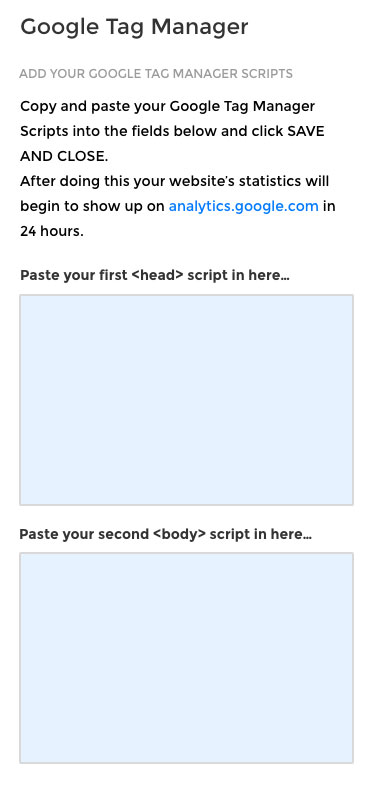
Google Tag Manager
Quickly add a Google Tag Manager Tracking Code to your website.
Integration of Codes & Scripts
Quickly add third party scripts into head, body, footer and posts. Great for jQuery, chat widgets and much more.

Facebook Pixel
Add the Facebook Pixel to your website.

Email Capture Database
View all your captured email addresses. Export them as a pdf and csv file. Perfect to import into programmes like MailChimp.

Additional CSS
Add your own CSS code to completely customise any part of the website.

Reset to previous published version
By clicking RESET AND CLOSE your website will be reset to the previously published version. You will lose any changes you have made since the last time you clicked the blue Publish button at the top right of the Editor.
